Juniper Place November
$3,450.00
ZelleNov 3
LOG IT AND MOVE ON
A payment comes in. You’re done.
Record the amount, date, and method. Full payments, partial payments, or a little of both.
 Rent.Get Rent ↗
IN BETA · COMPLETELY FREE FOR NOW
You remember the properties. Let Rent remember the payments.
Log what comes in, see what’s due, and get on with your day.
No separate login · Private iCloud sync · Completely free during beta.
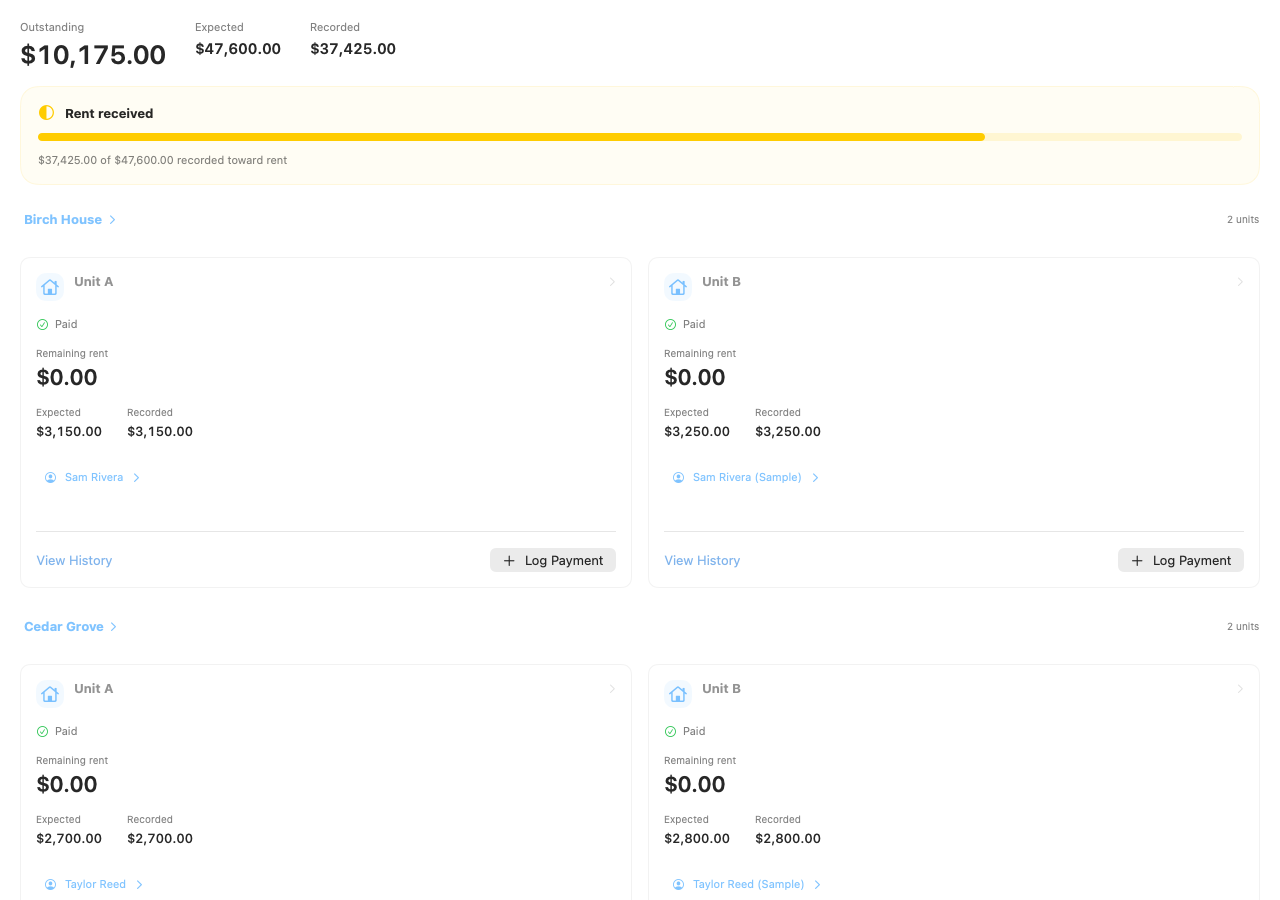
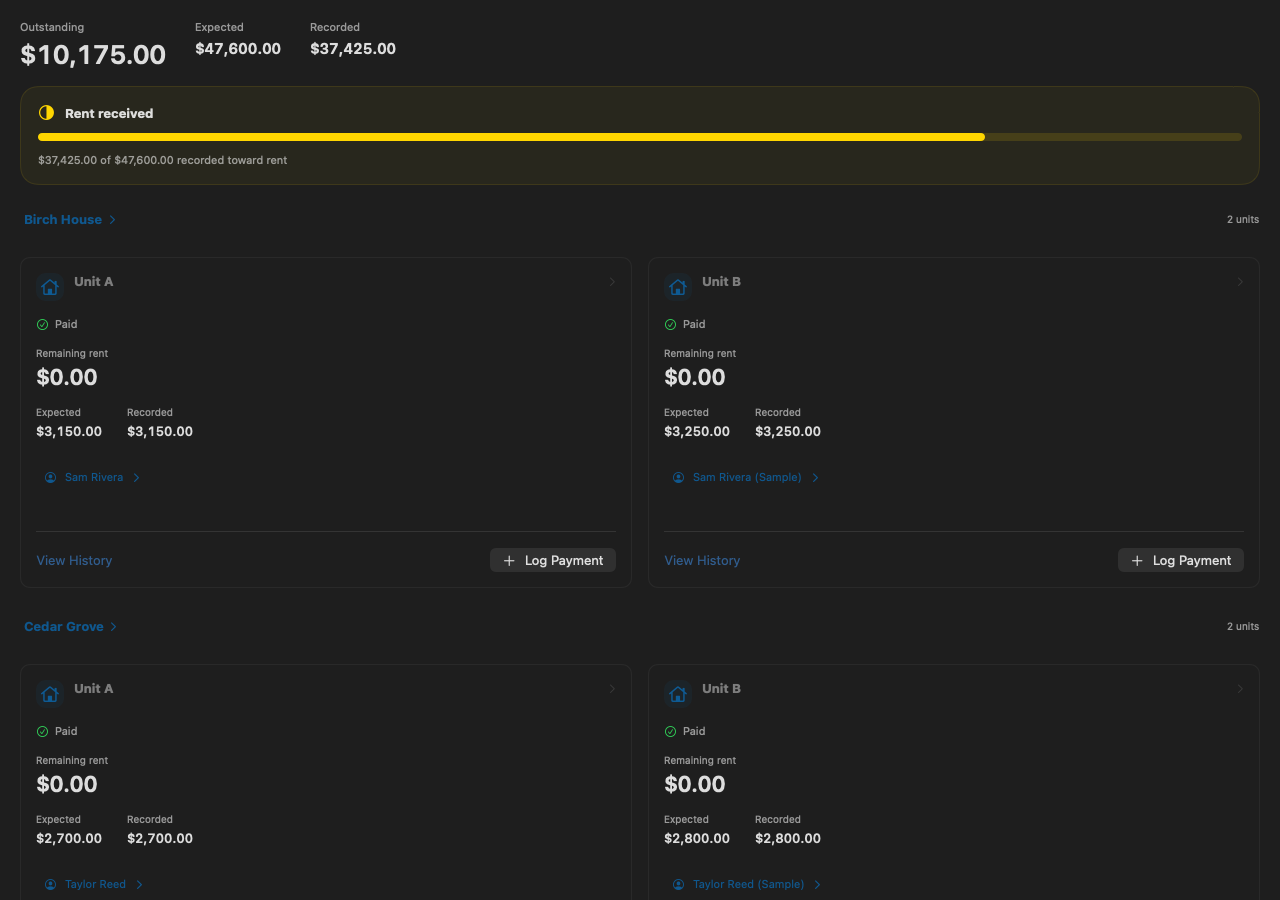
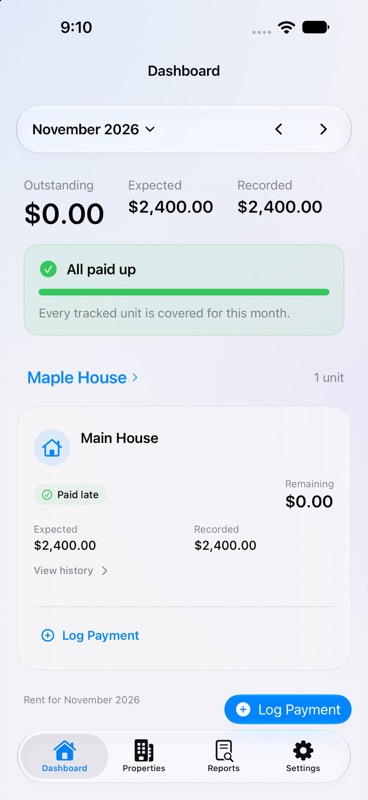
Rent app views with sample records. Mac preview: 8 properties, 16 units. Coming to the App Store.
“I’ll remember who paid.”
LESS TO KEEP UP WITH
The everyday essentials, with the extra details ready when you need them.
LOG IT AND MOVE ON
Record the amount, date, and method. Full payments, partial payments, or a little of both.
NO MORE MENTAL MATH
Paid, partial, overdue, and still to come. See every unit’s balance without opening another spreadsheet.
THE RIGHT RENT, FOR THE RIGHT MONTH
Keep fixed-term or month-to-month leases, rent changes, due dates, and tenant details together.
Monthly rent $3,450.00
Recorded $3,450.00
Balance due $0.00
PAPERWORK, WITHOUT THE PROJECT
Create a PDF from your rent records. Add your business details and a message, then share it.
THE YEAR ADDS UP
Review receipts by year, month, or custom dates. See the detail by property and take a CSV with you.
ON THE DEVICES YOU ALREADY USE
Records save locally, even offline. Your private iCloud keeps your devices in sync when connected.
A CLOSER LOOK
From a growing portfolio to the year’s receipts, with the details a tap away.
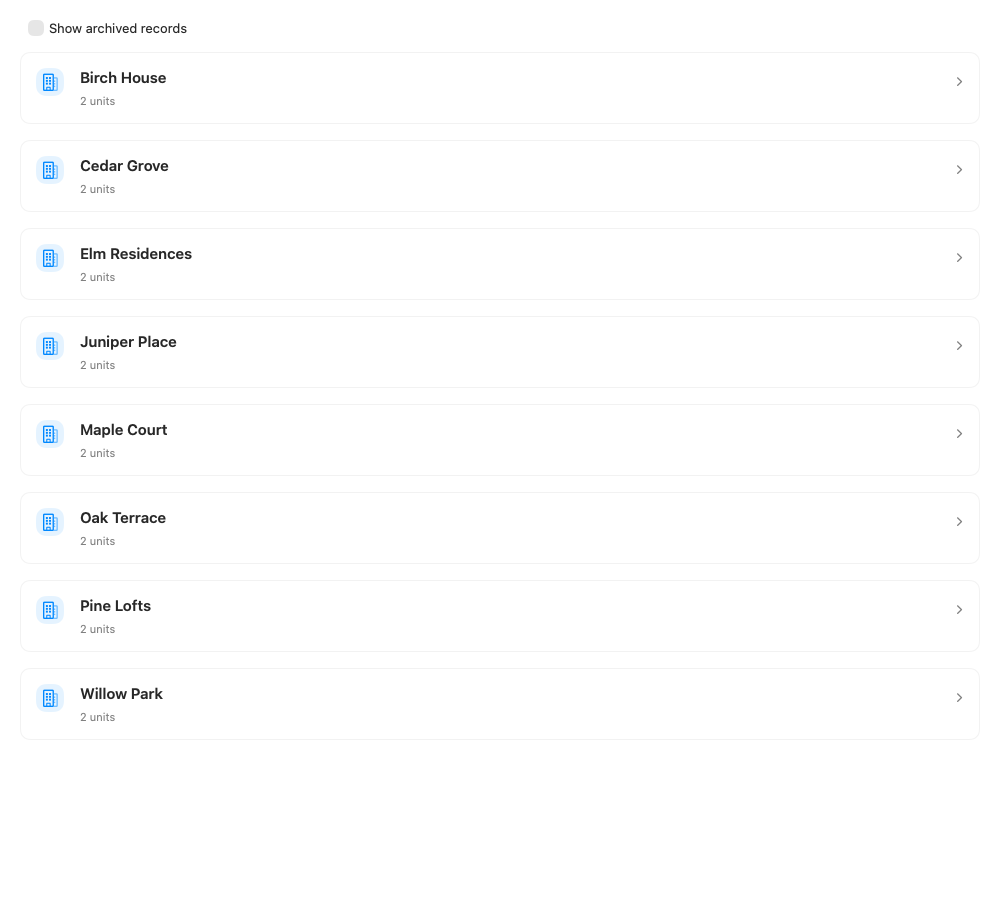
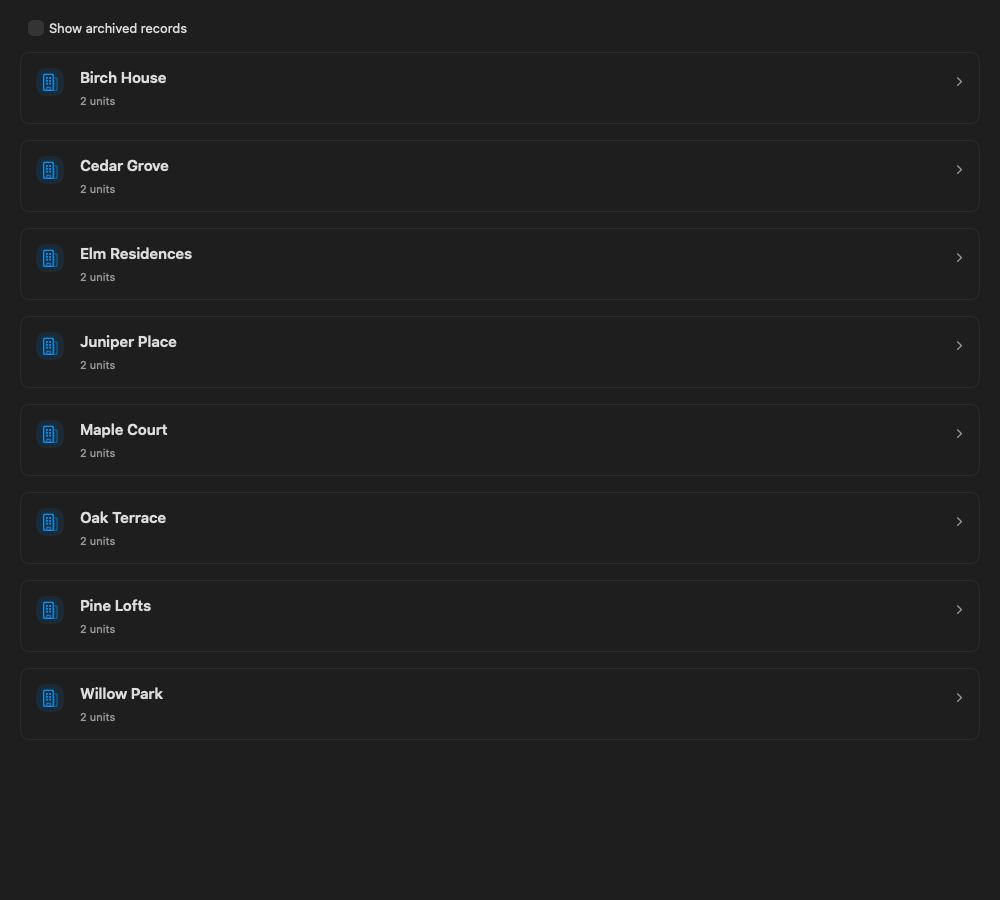
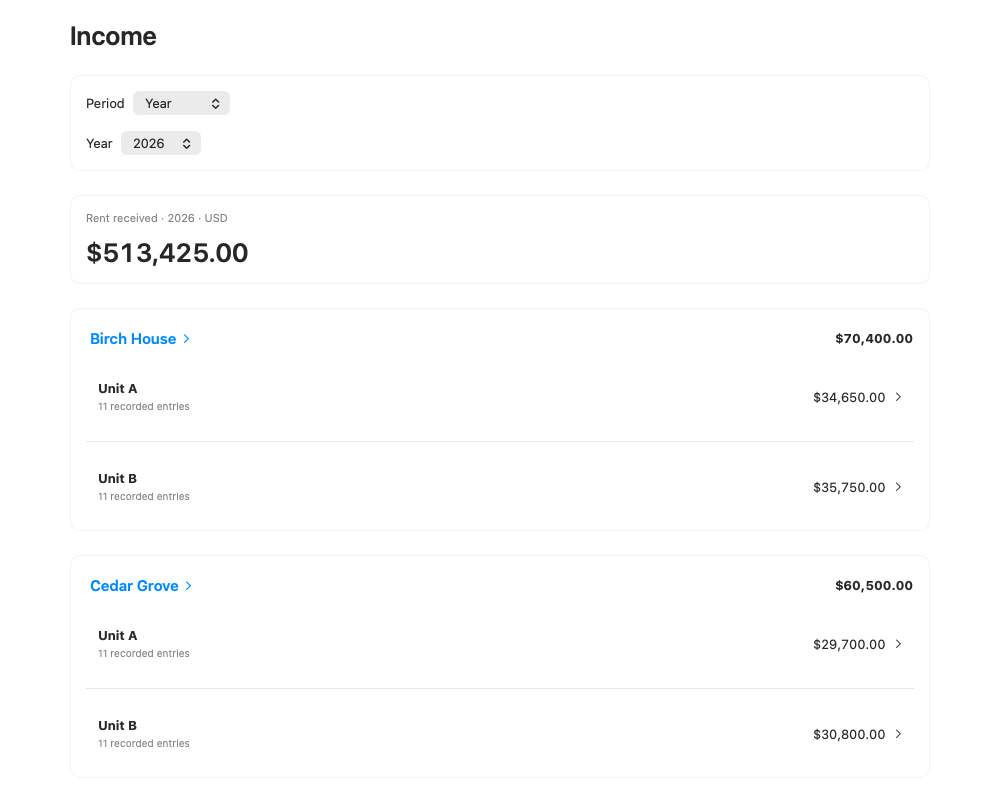
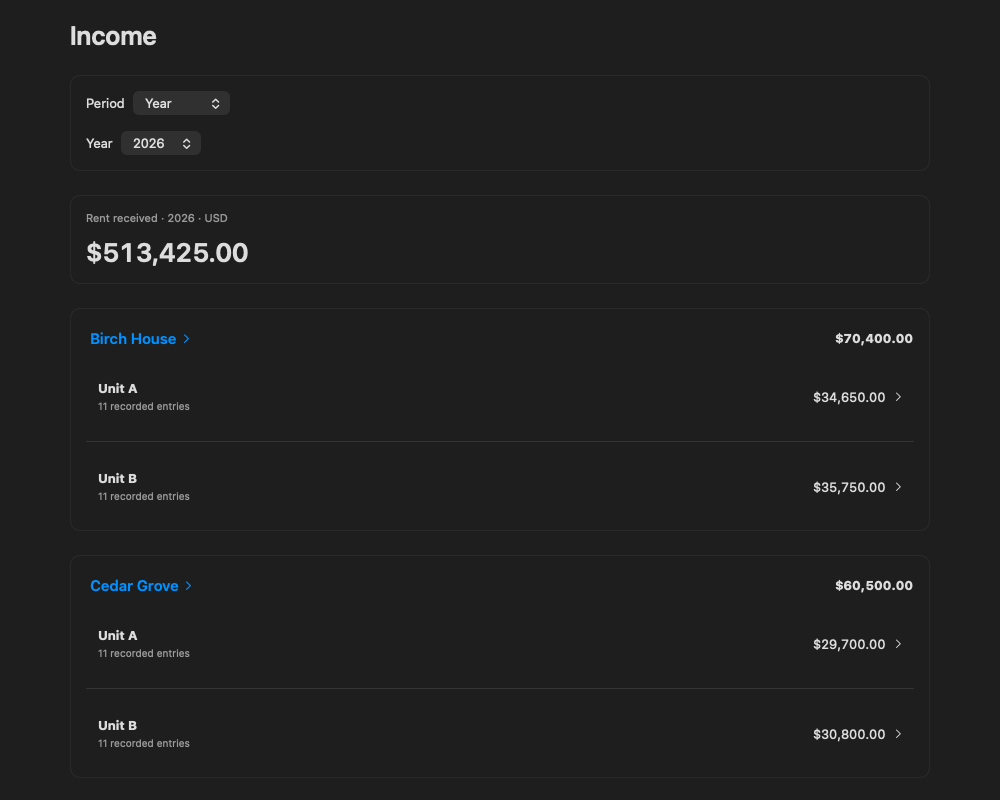
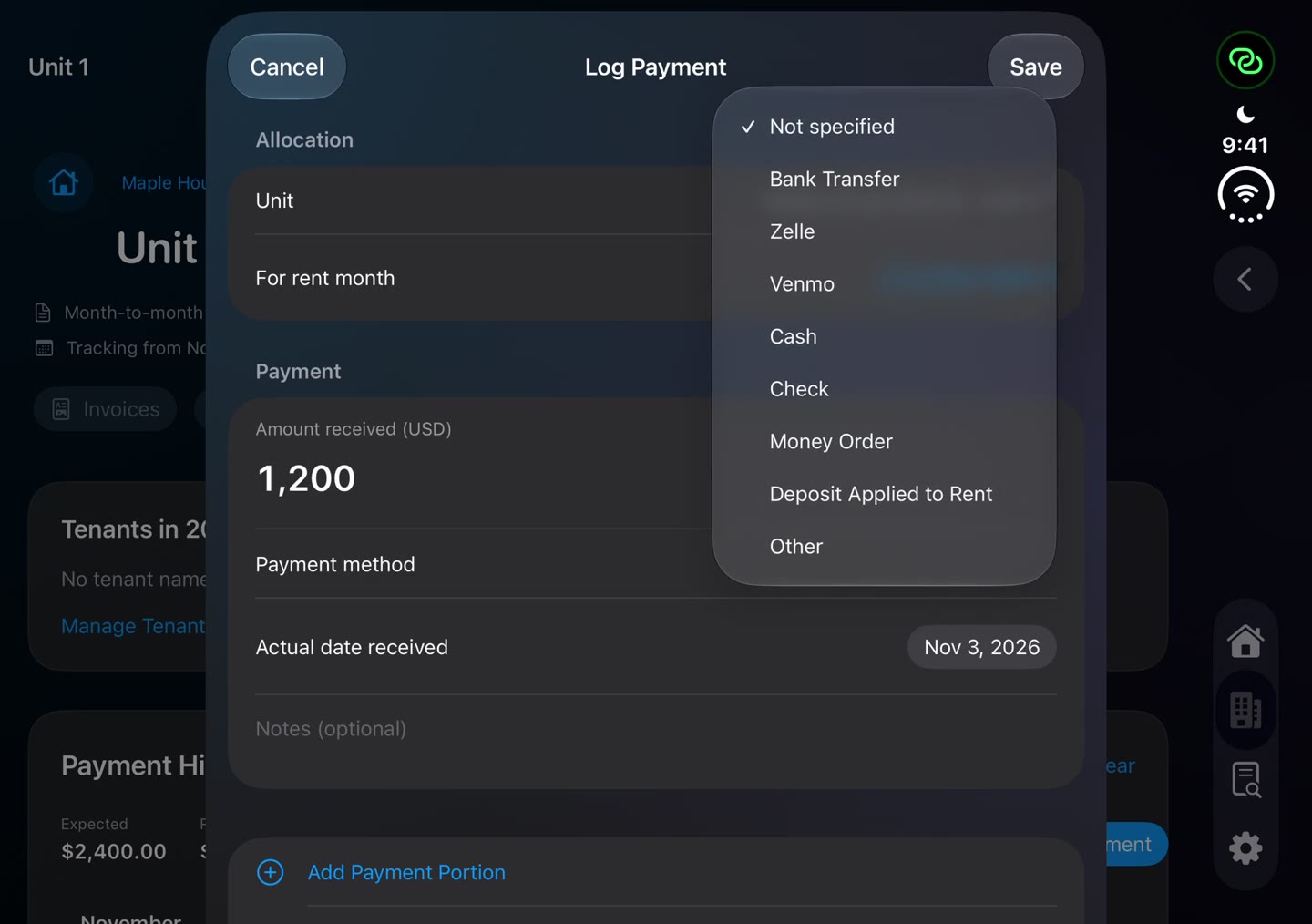
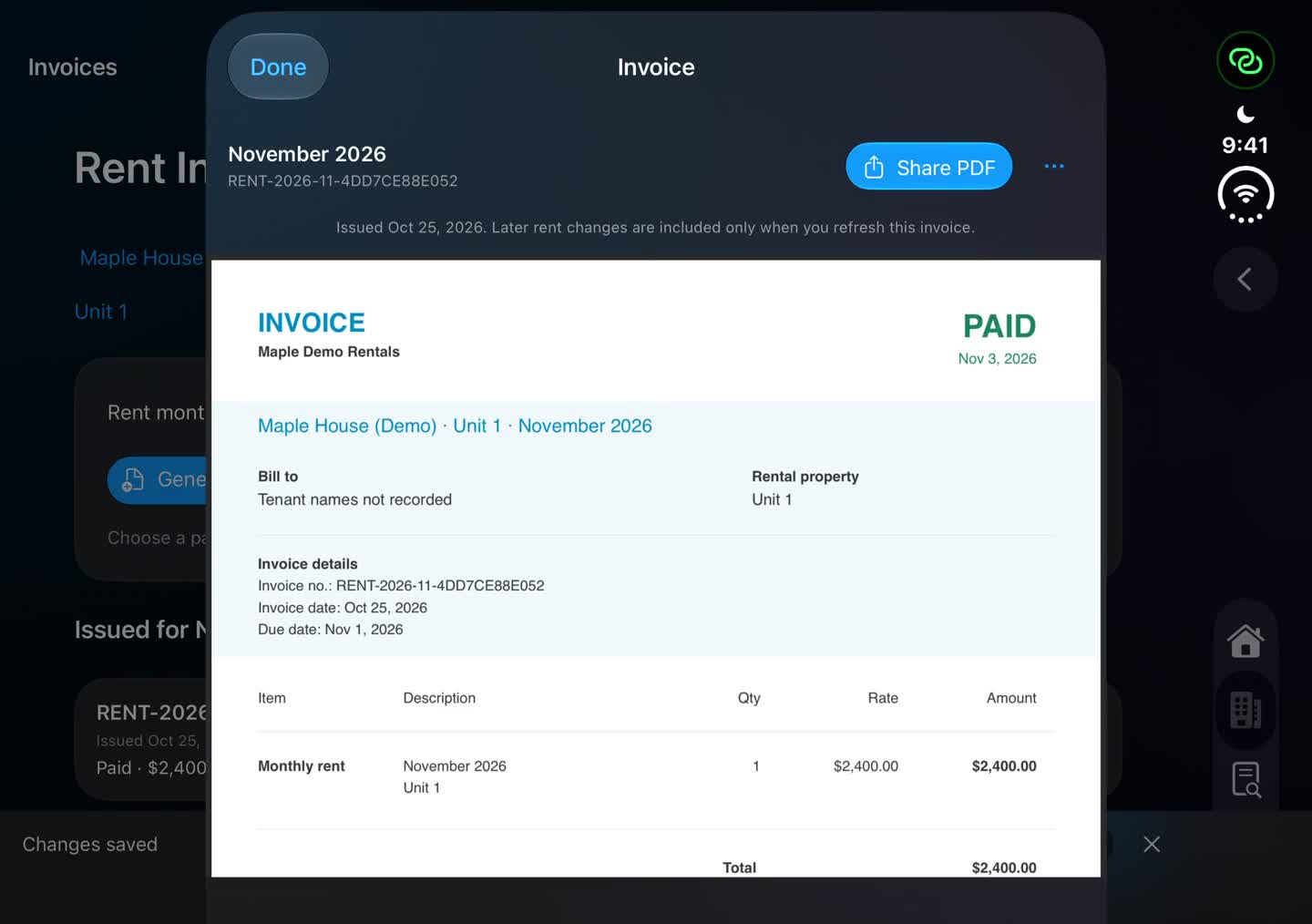
Mac previews render the app’s native views with fictional records. Payment and invoice screens were captured on a physical iPhone.
THE SMALL DETAILS, TOO
Start with payments. Use the rest whenever you need it.
Addresses, notes, tracking dates, list order, and archiving that preserves history.
Eight methods, partial and split amounts, suggested methods, and duplicate warnings.
Fixed-term or month-to-month, effective months, due days, corrections, and conversions.
Optional contacts and notes, kept with the right lease period, including earlier tenancies.
Monthly and yearly views, receipt edits, payment statuses, and one-month charge adjustments.
Saved snapshots, custom numbers, dates and messages. Refresh from records when needed.
Year, month, custom dates, or all time. Property and unit details, including deposits applied to rent.
Multiple owner or business profiles, property assignments, and default invoice messages.
Local saving and offline access, account status, transfer activity, and manual refresh.
A currency for each property. Separate totals so different currencies never get mixed together.
Payment and report CSVs, plus a full structured backup export for your records.
Undo the latest change, review Recently Deleted, restore saved deletions, and find built-in help.
Fixed-term leases don’t renew automatically; charges aren’t automatically prorated. Backup-file restoration is not yet available. Deleted records can be recovered, but not permanently erased in this version.
CHOOSE WHAT FITS YOUR DAY
Broader platforms have their place. If you just want to keep track of rent, here’s how the essentials compare.
| The everyday details | RentFocused on your rent | StessaEssentials | Landlord StudioGO |
|---|---|---|---|
| Monthly software cost | Free during beta | Free plan + paid upgrades | Free plan + paid upgrades |
| Free portfolio allowance | No property or unit cap | Unlimited properties | 3 units |
| Account to create | None. Your Apple Account for sync. | Stessa account | Landlord Studio account |
| Record rental income | ✓ Included | ✓ Included | ✓ Included |
| Built-in receipt totals | ✓ Included | ✓ Basic reports | ✓ Standard reports |
| Expense accounting | Not included | ✓ Included | ✓ Included |
| Online rent collection | Record payments received elsewhere | Available | Available |
Swipe to compare all three apps →
Compared against free plans, not every paid feature. Rent is completely free during beta and is awaiting App Store review. Future pricing may change. Payment-service fees and regional availability may vary. Sources: Stessa pricing and Landlord Studio pricing. Product names belong to their respective owners.
Your properties, your rent, and the totals you need. We’re committed to keeping it that way.
PRIVATE BY DESIGN
Records save on your device and sync through your private iCloud database. We don’t operate a server that receives your rental records.
Local records. Your Apple Account.
No. Record money you received through Zelle, Venmo, a bank transfer, cash, or another method. Rent does not move money or connect to your bank.
Rent is designed for iPhone with iOS 17 or later and Mac with macOS 14 or later. Use the same Apple Account and release of Rent for iCloud sync. Changes save locally first, and sync when iCloud is available.
Yes. Export payments to CSV and share reports and invoice PDFs. Settings also offers a structured backup export. This version does not include one-click restoration from that backup.
Rent tracks rental receipts and balances. It does not track expenses, calculate net profit, provide tax advice, or file tax returns.
A LITTLE LESS ON YOUR MIND
Completely free during beta. Coming to the App Store for iPhone and Mac.